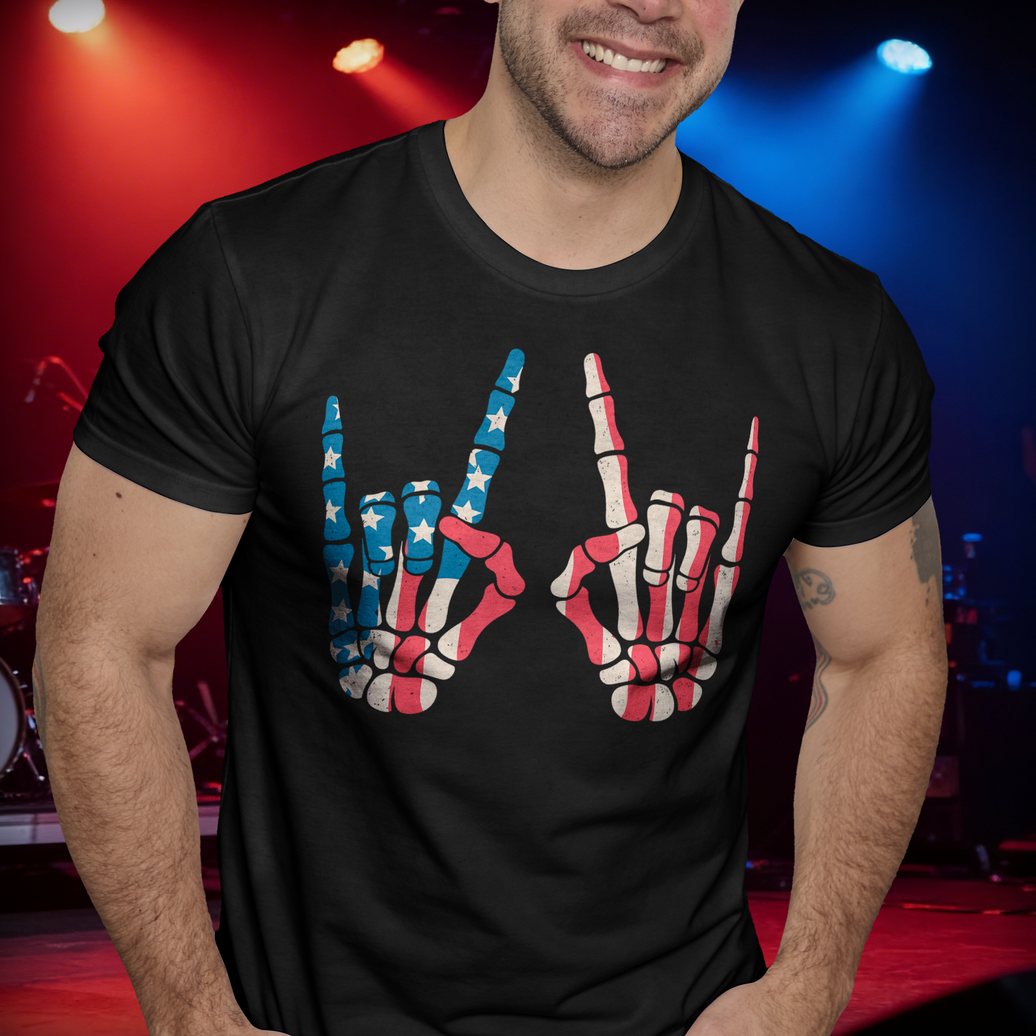
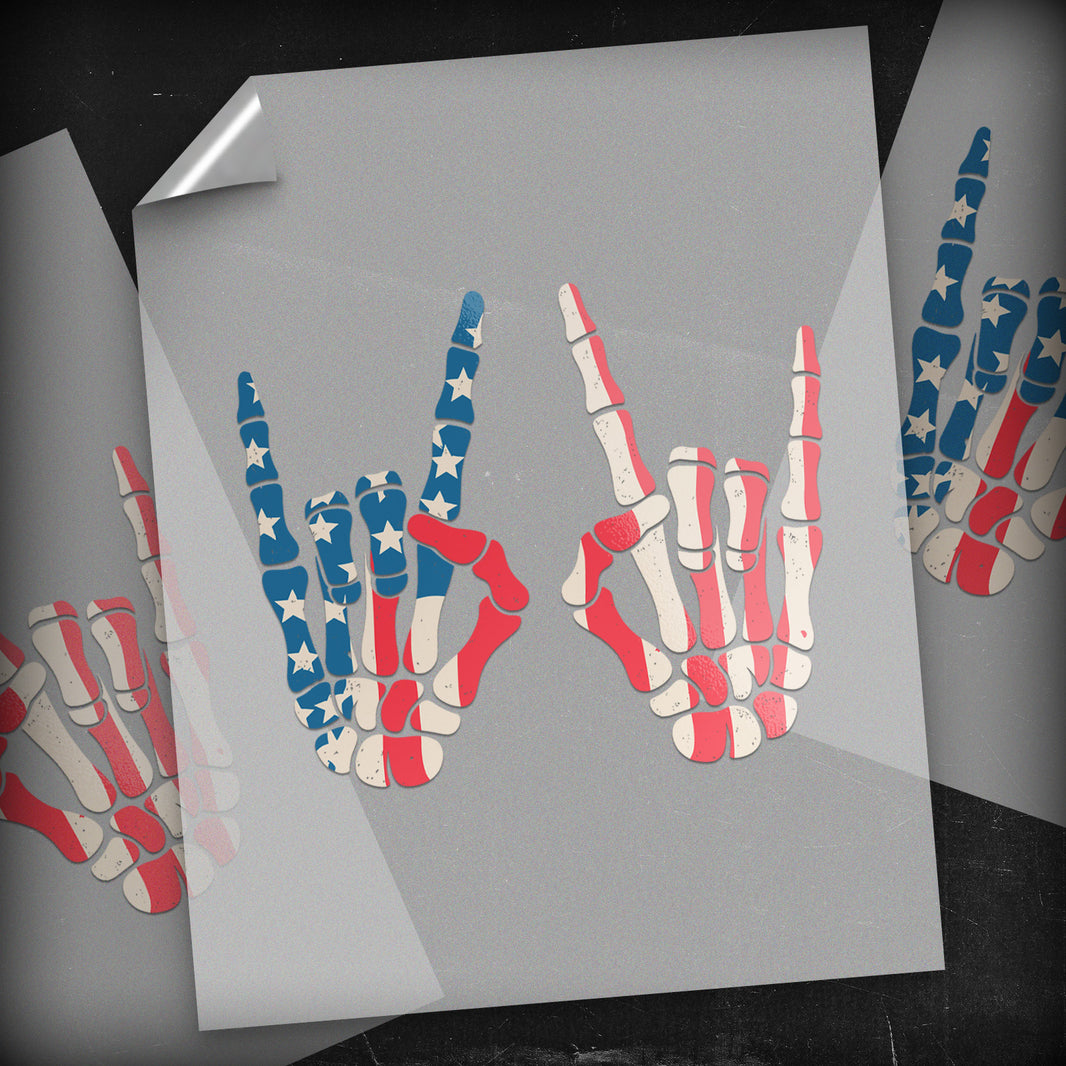
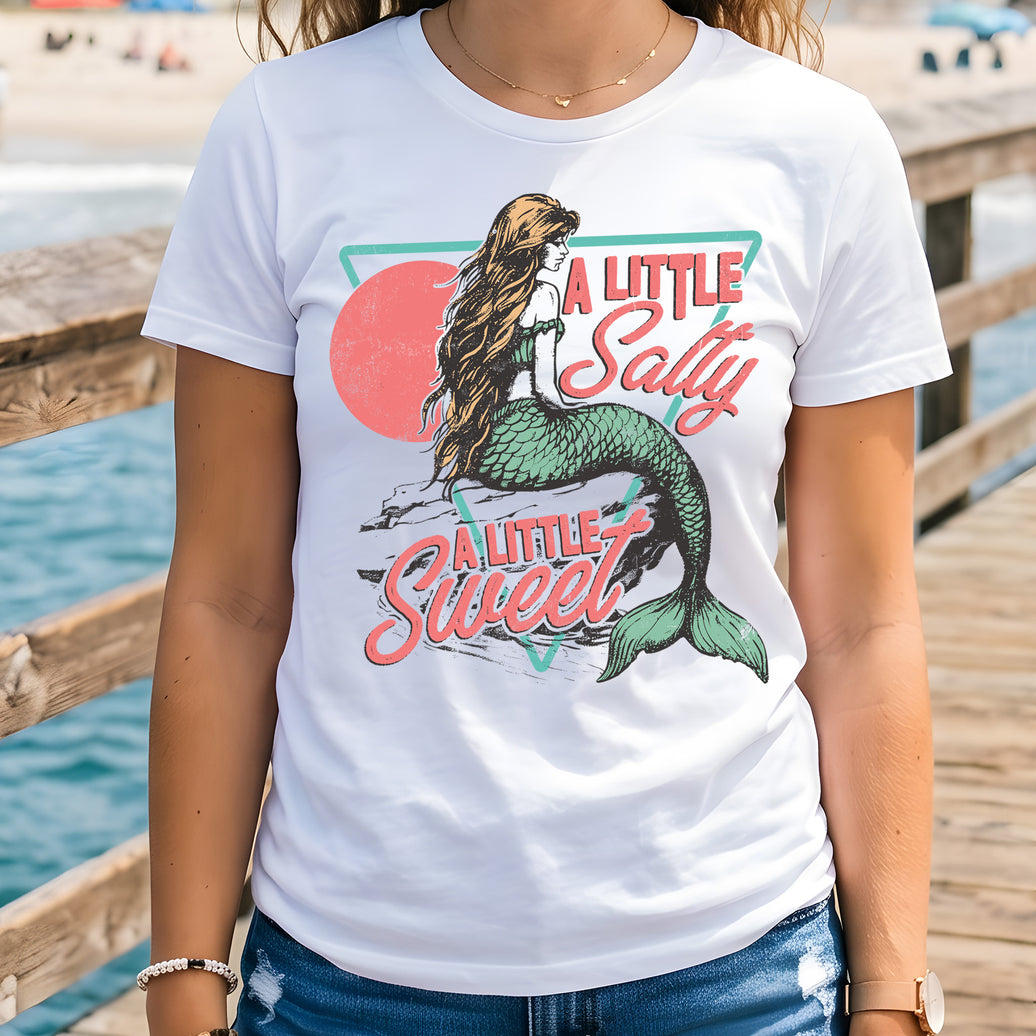
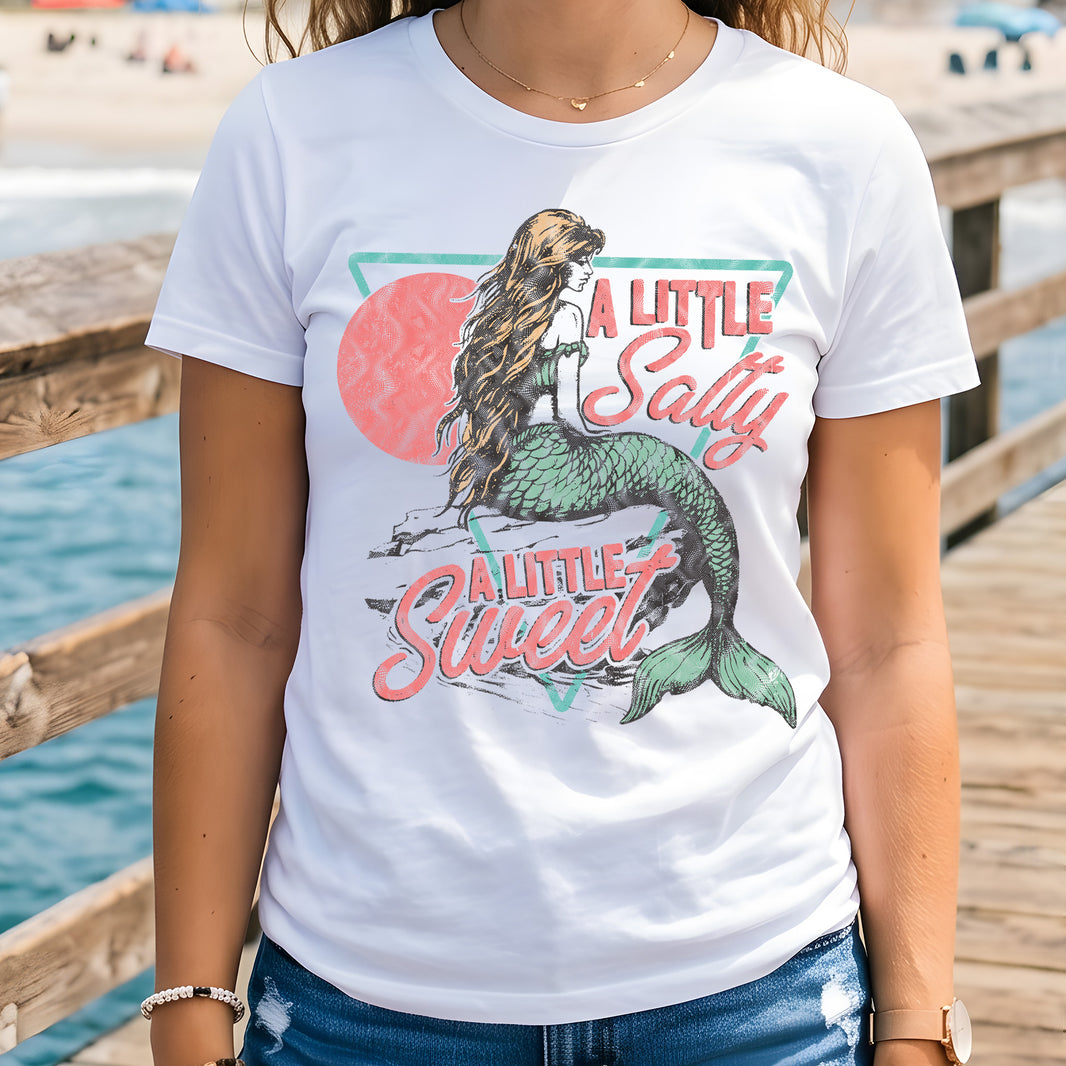
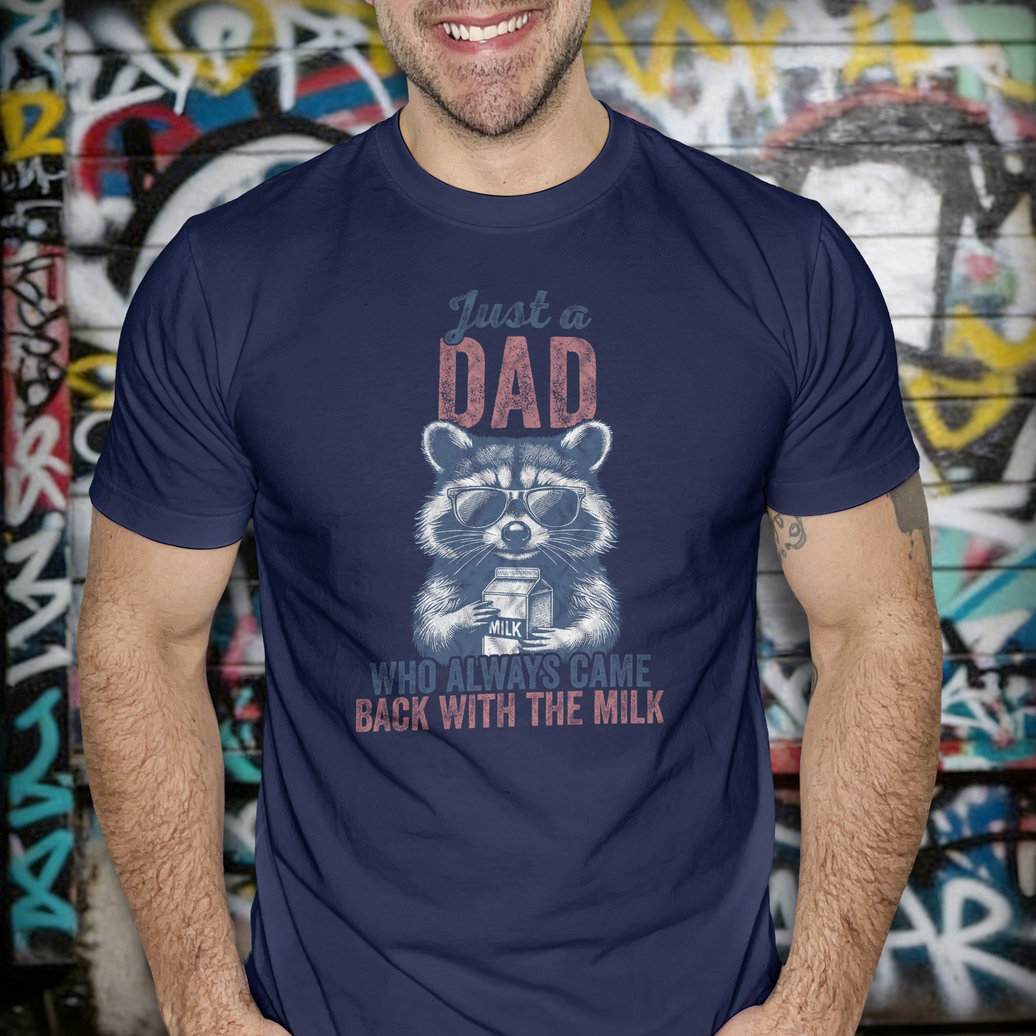
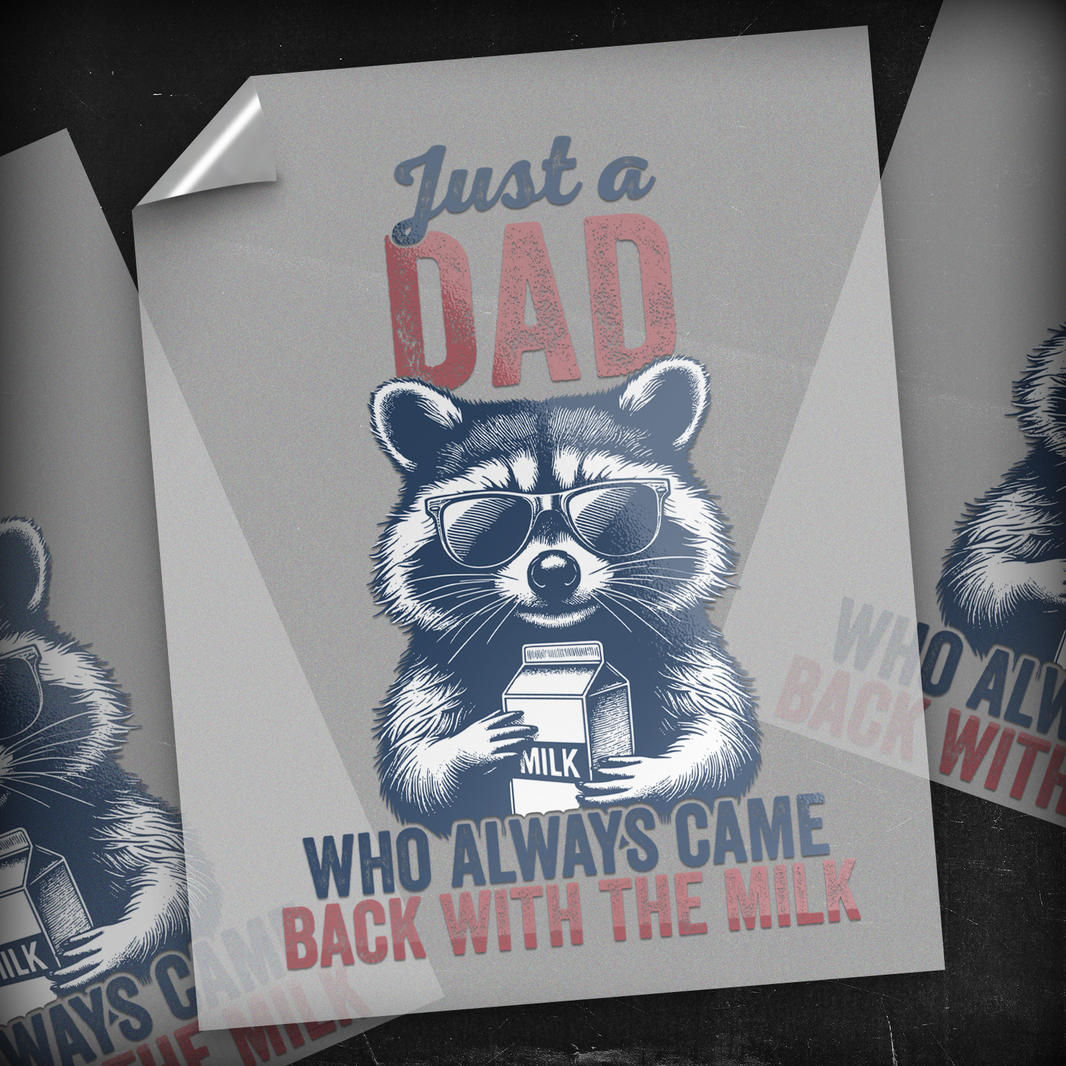
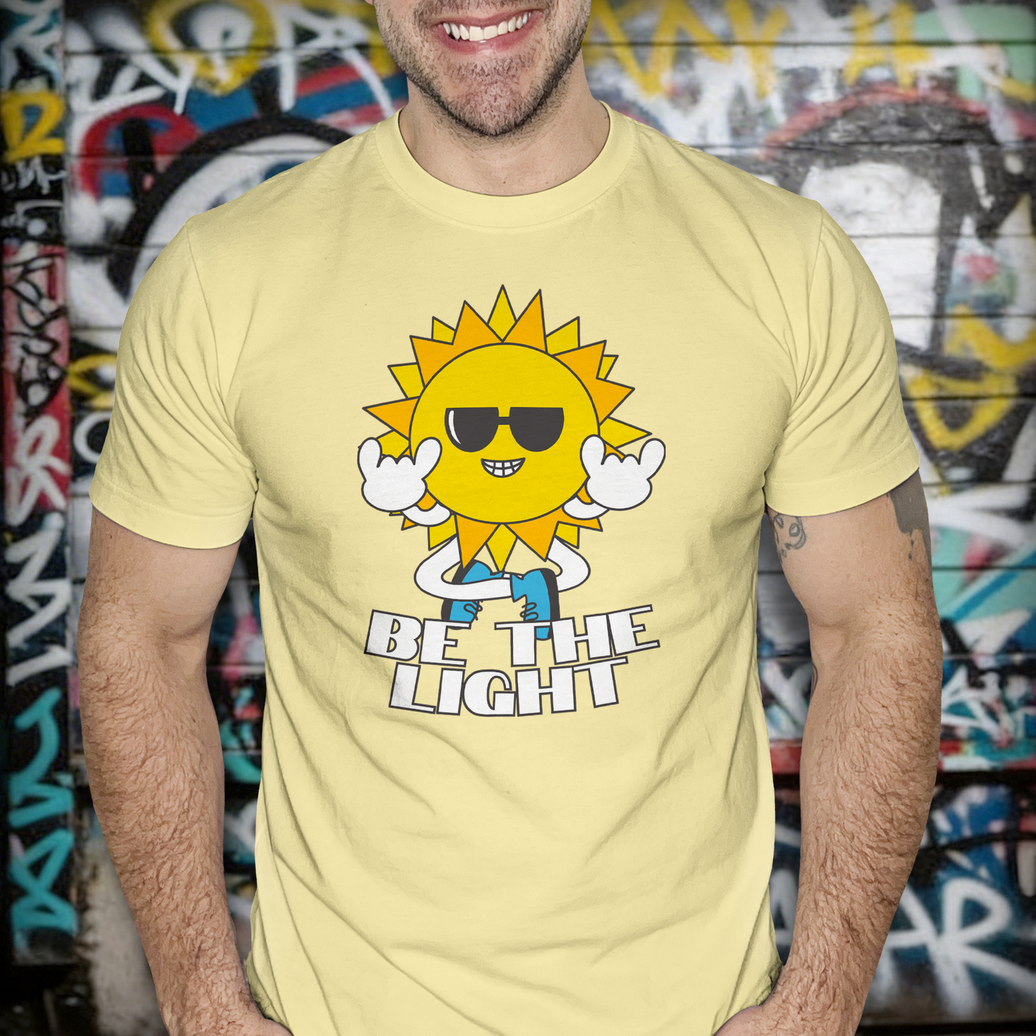
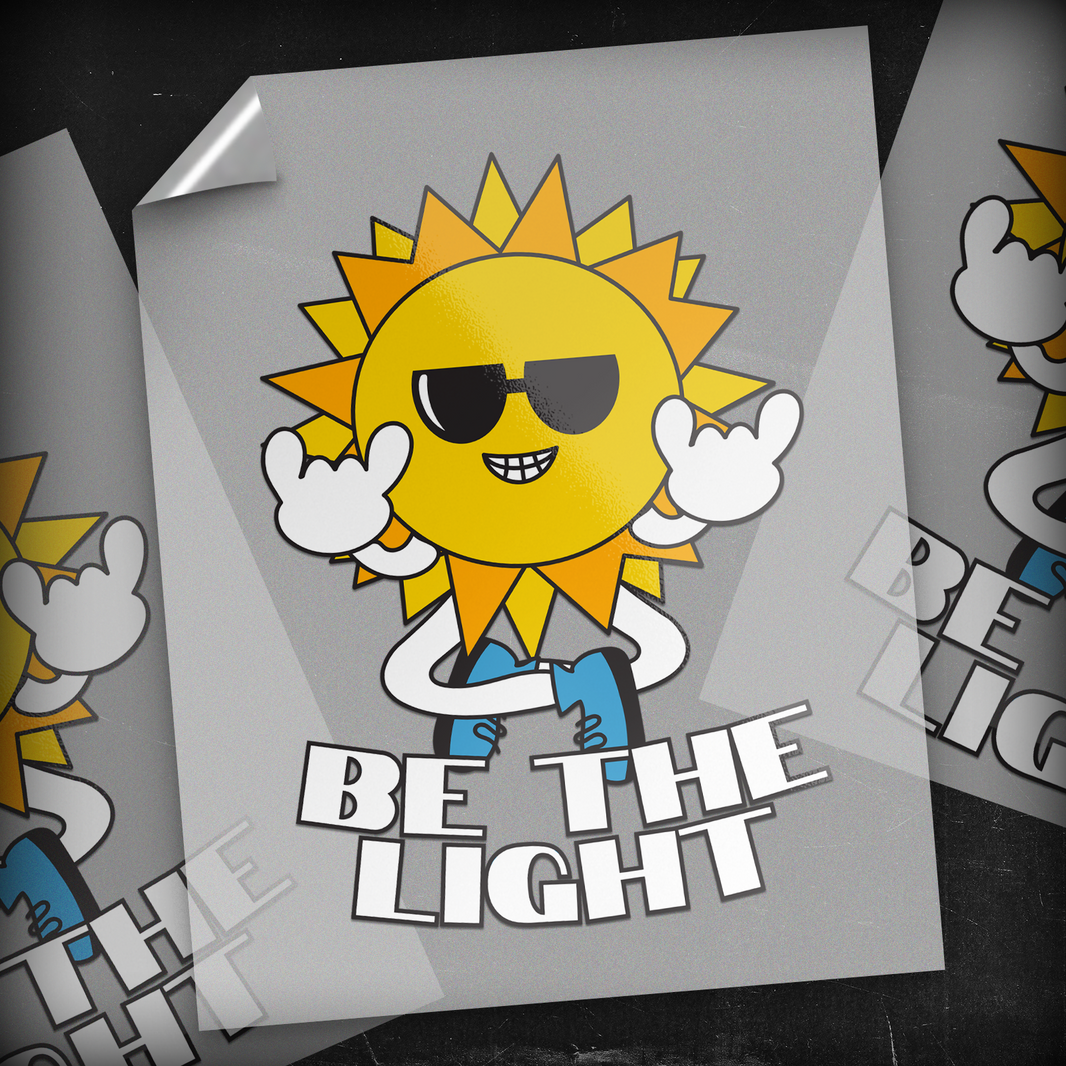
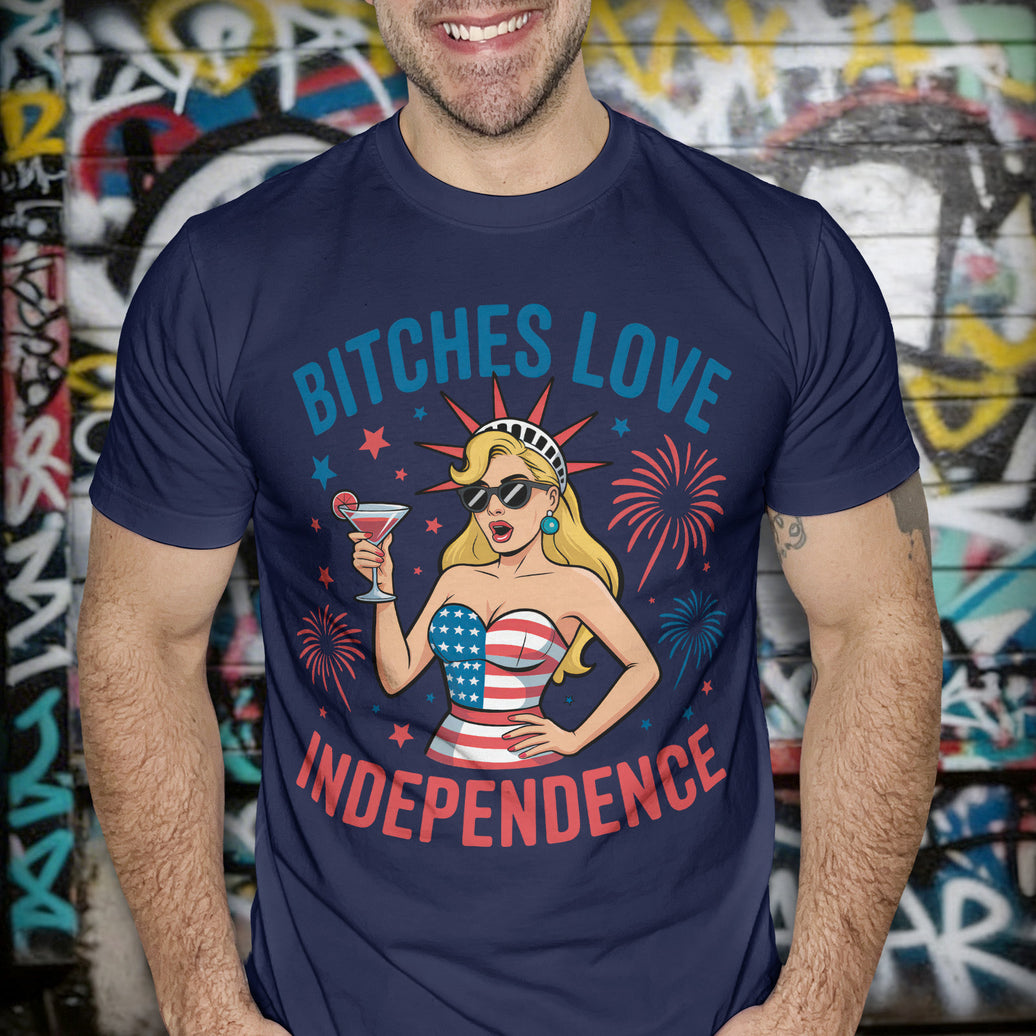
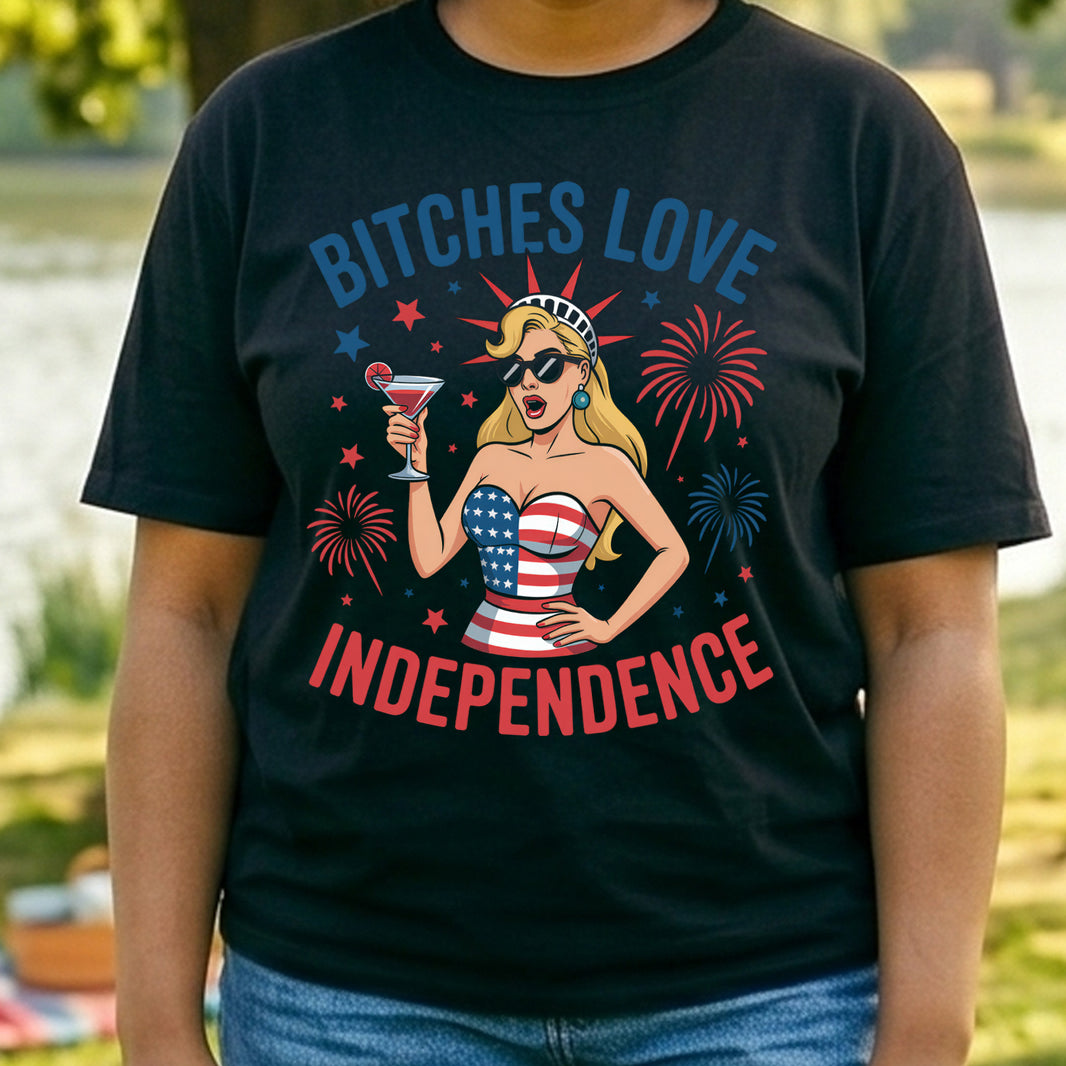
Before you upload, take a minute to watch this. It covers blurry art, white boxes, edge cleanup, and the fastest way to avoid bad prints.
💀 Ink is honest. It doesn't guess, and it doesn't fix mistakes. We print exactly what you upload.
If your file is clean, you get a retail-quality transfer. If your file is trash, you get a trash print. Let’s make sure you get the good one.
⚙️ THE SHOP STANDARDS
(Follow These or Don't Order)
📄 1. PNG. Transparent. Only.
JPEGs represent white backgrounds. We print white ink. If you send a JPEG, you get a white box. Don’t do it.
📏 2. 300 DPI at Actual Size
Don't design small and stretch it later. That creates blur. If the design is 10 inches wide, build it at 10 inches wide from the start.
🎨 3. Stay in RGB
Our printers run wide-gamut ink. CMYK files dull your colors down. Keep it RGB to keep it bright.
🔍 4. The 300% Zoom Test
Zoom in on your screen to 300%. If the edges look fuzzy or pixelated to you, they will look terrible on cotton. Clean edges = Clean prints.
⚠️ WHY PRINTS FAIL (Common Mistakes)
👾 The "Pixelated Mess"
The Cause: Screenshots or images saved from the web.
The Fix: Never print a screenshot. Export original files from your design software.
📉 The "Vanishing Line"
The Cause: Lines thinner than 2 pixels.
The Fix: Fabric has texture. Ink spreads. Give your lines some muscle so they survive the press.
👻 The "Ghost Box"
The Cause: Fake transparency.
The Fix: Drop your file on a black background before uploading. If you see a faint box, erase it. We will print that box.
🤖 A NOTE ON AI ART
AI is a tool, not a finisher. Raw AI files are usually low-res (72 DPI) and full of weird artifacts.
The Rule: You must upscale and clean AI art before uploading. If it looks "melty" on screen, it won't look better on a shirt.
✅ FINAL GUT CHECK
✅ Is it a Transparent PNG? ✅ Is it 300 DPI at final size? ✅ Is it RGB? ✅ Did you zoom in to check edges? 🚫 NO SCREENSHOTS?
👊 Ready to upload artwork that prints clean?
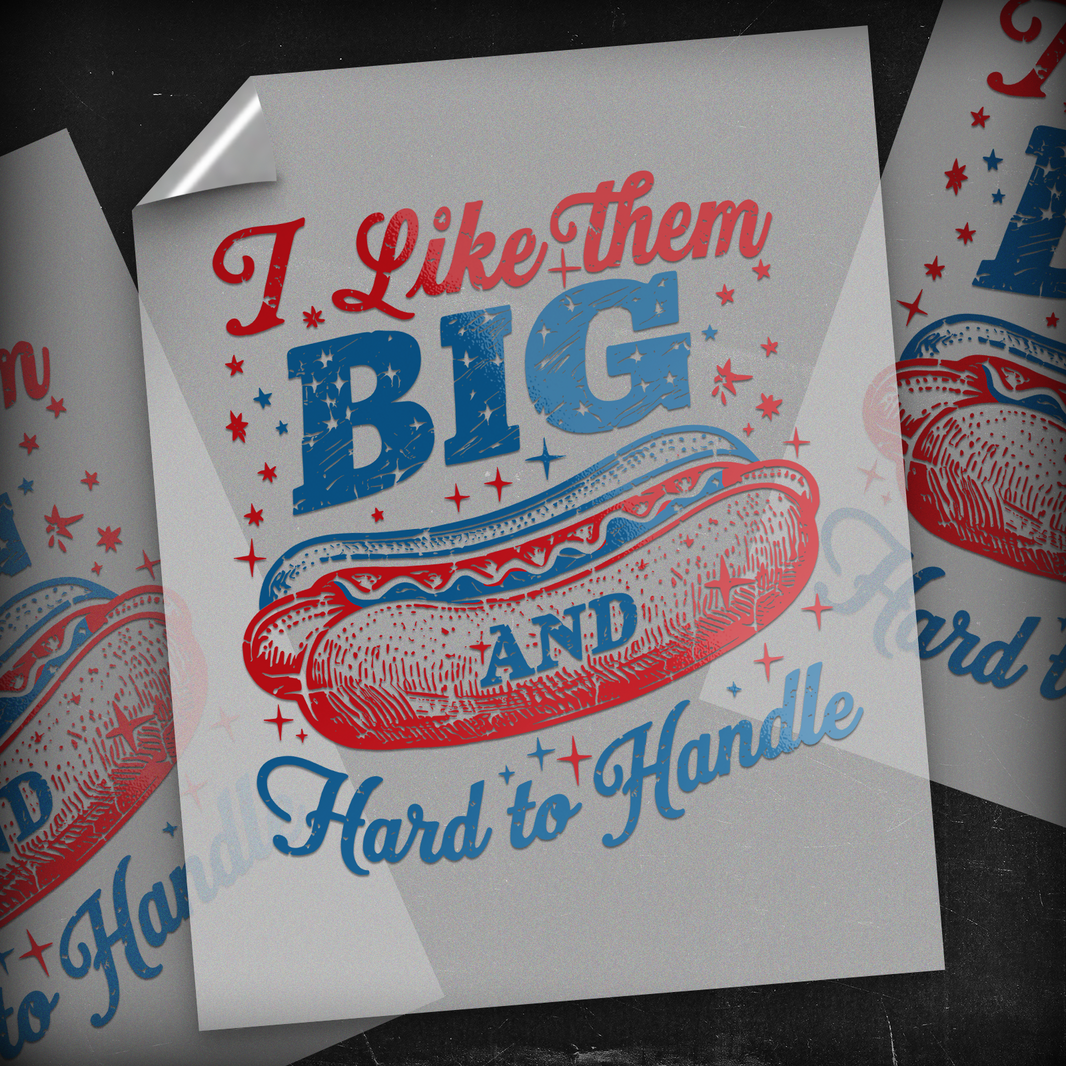
I supply the industrial equipment, the premium film, and the ink. You supply the pro-level artwork.
Meet me halfway, and we will print something legendary. Upload it right, then send it.