








Let’s get something straight.
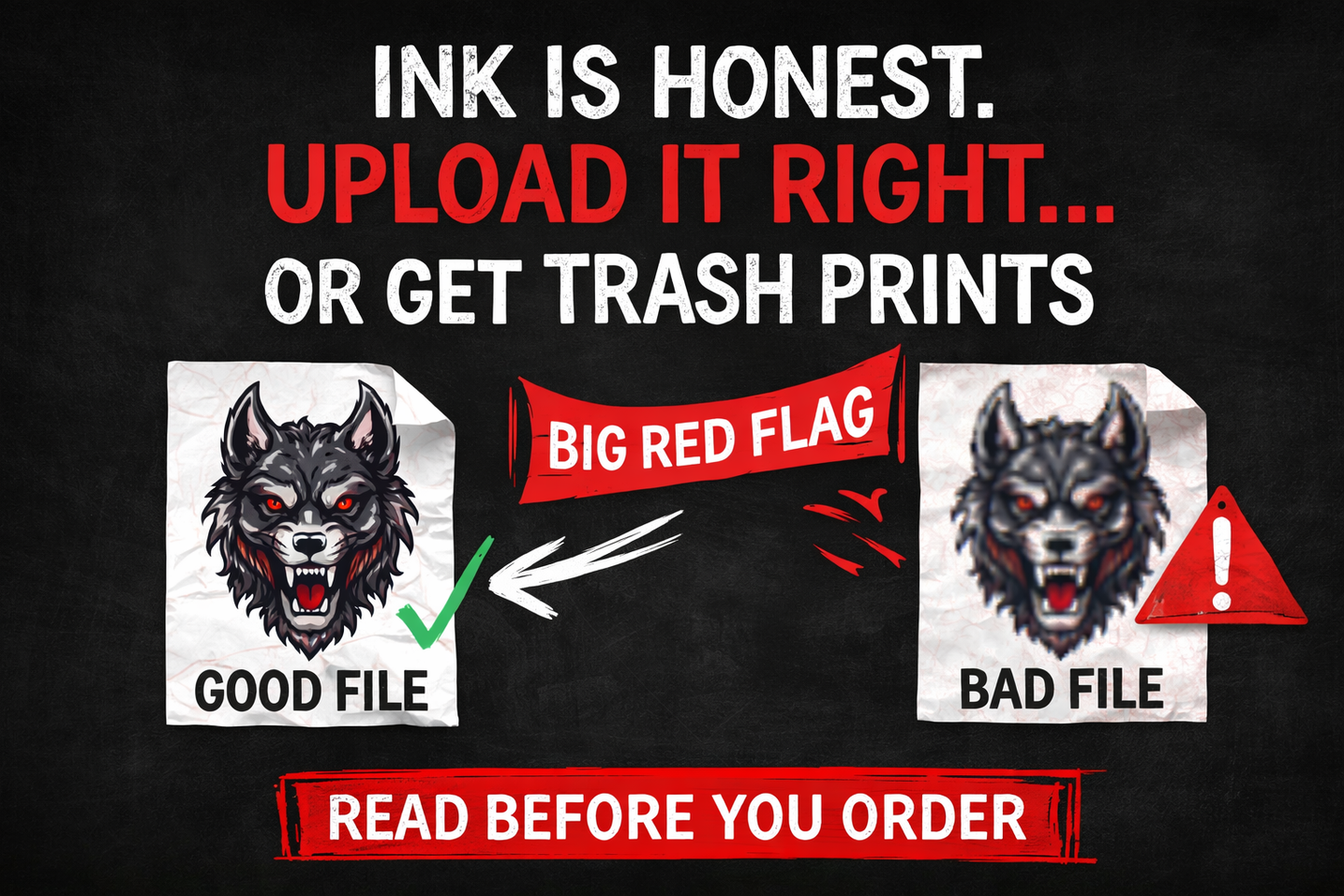
💀 Ink is honest!
It doesn’t “fix it in post.”
It doesn’t clean up your edges.
It doesn’t guess what you meant to upload.
We print exactly what you send.
So if your file is clean?
You get a retail-level, sell-it-with-confidence transfer.
If your file is garbage?
You’re getting a very high-quality… garbage print. 😬
Let’s make sure you’re on the right side of that…
⚙️ The Shop Rules!
(Yeah… they’re rules.)
You can ignore these if you want. Just don’t be surprised when your print comes out looking crazy.
📄 PNG. Transparent. Only.
I don’t know who needs to hear this, but JPEG is not your friend here.
JPEG = background
Background = ink
Ink = that ugly white box you swear “wasn’t there before”
And yes… we print white ink. 🤍
So if you send a JPEG, we’re not “removing” anything.
We’re printing exactly what you gave us.
👉 Use PNG. Make it transparent. Done. ✅
📏 300 DPI. At Size. No Exceptions.
This is where people sabotage themselves.
You design something tiny…
Then stretch it to fit a shirt…
Now it looks like it was filmed on a flip phone from 2006.
…That’s not on us. That’s math.
👉 If it’s supposed to print at 10 inches…
Build it at 10 inches. At 300 DPI.
From the start. No stretching. No hoping. No “it looked fine on my screen.”
🎨 Stay in RGB
I know… “print is CMYK.”
Not here.
Our printers are built to push color. Like real color.
👉 RGB = bold, bright, alive
👉 CMYK = flat, dull, disappointing
If you spent time making your design hit…
Don’t kill it right before the finish line.
Stay in RGB!
🔍 The 300% Zoom Test (This One Exposes Everything)
Here’s the easiest way to know if your file is about to embarrass you.
Zoom in to 300%.
Now be honest:
Do the edges look sharp?
Or do they look like they’re melting?
Because whatever you see right now…
👉 That’s what we’re printing!
And prints don’t hide problems. It makes them louder.
Clean edges = clean print. Every time.
⚠️ Why Your Print Came Out Wrong
(Yeah, we’ve seen it all)
👾 The Pixelated Disaster
You took a screenshot… didn’t you? Or grabbed something off Google?
Look…I get it. You needed it quick. But quick doesn’t print well.
👉 Screenshots are low-res. Always.
👉 Web images are compressed. Always.
You can’t cheat quality. Start with the real file. Export it properly.
📉 The Disappearing Ink Trick
Super thin lines look cool on a screen.
Then they hit fabric… and vanish like they were never there.
Why?
Because ink spreads. Fabric has texture. Physics is undefeated.
👉 If your lines are under 2 pixels… they’re at risk. Give your design some weight. Let it survive.
👻 The “It Looked Transparent” Lie
This one gets people all the time.
You think the background is gone…But there’s still a faint haze sitting there.
And guess what? 👉 We print that. Every time.
Quick test:
Drop your design onto a black background. If you see a box, a glow, or anything weird…Fix it before you upload. Not after.
🤖 Real Talk About AI Art
AI is cool. I use it. Everyone uses it. But let’s not pretend it’s ready out of the box. Most AI files come out:
- 72 DPI
- Soft details
- Weird, “melty” edges
That might look okay on your phone…It will not look okay on a shirt.
👉 Clean it up
👉 Upscale it properly
👉 Fix the weird stuff
AI gives you a concept. You still have to finish the job.
✅ Before You Upload… Check Yourself
Real quick-
Is it:
- ✔️ PNG with transparency
- ✔️ 300 DPI at actual size
- ✔️ RGB color
- ✔️ Clean when zoomed in
- 🚫 NOT a screenshot
If you hesitated on any of those…You’re not ready yet.
👊 Here’s the Deal
I’m bringing:
- The printers
- The film
- The ink
- The speed
You bring:
- A file that’s actually ready to print
That’s it.
Meet me halfway…
…and we’ll make something that looks like it belongs in stores and not your garage.
🚀 Upload It Right
Just clean, dialed-in transfers. Upload it right. Let’s get to work.
-Joe 🤘